Skip to content

Luma

Luma title, summary, project type and date panel. Panel text: Luma Type: Research, Prototyping, Visualization Date: 2024 Luma is a dial designed to bring smart home controls into physical space, rather than depending on voice or phones.

Luma

Luma is a dial designed to bring smart home controls into physical space, rather than depending on voice or phones.

Type
Research · Prototyping · Visualization
Date
2024
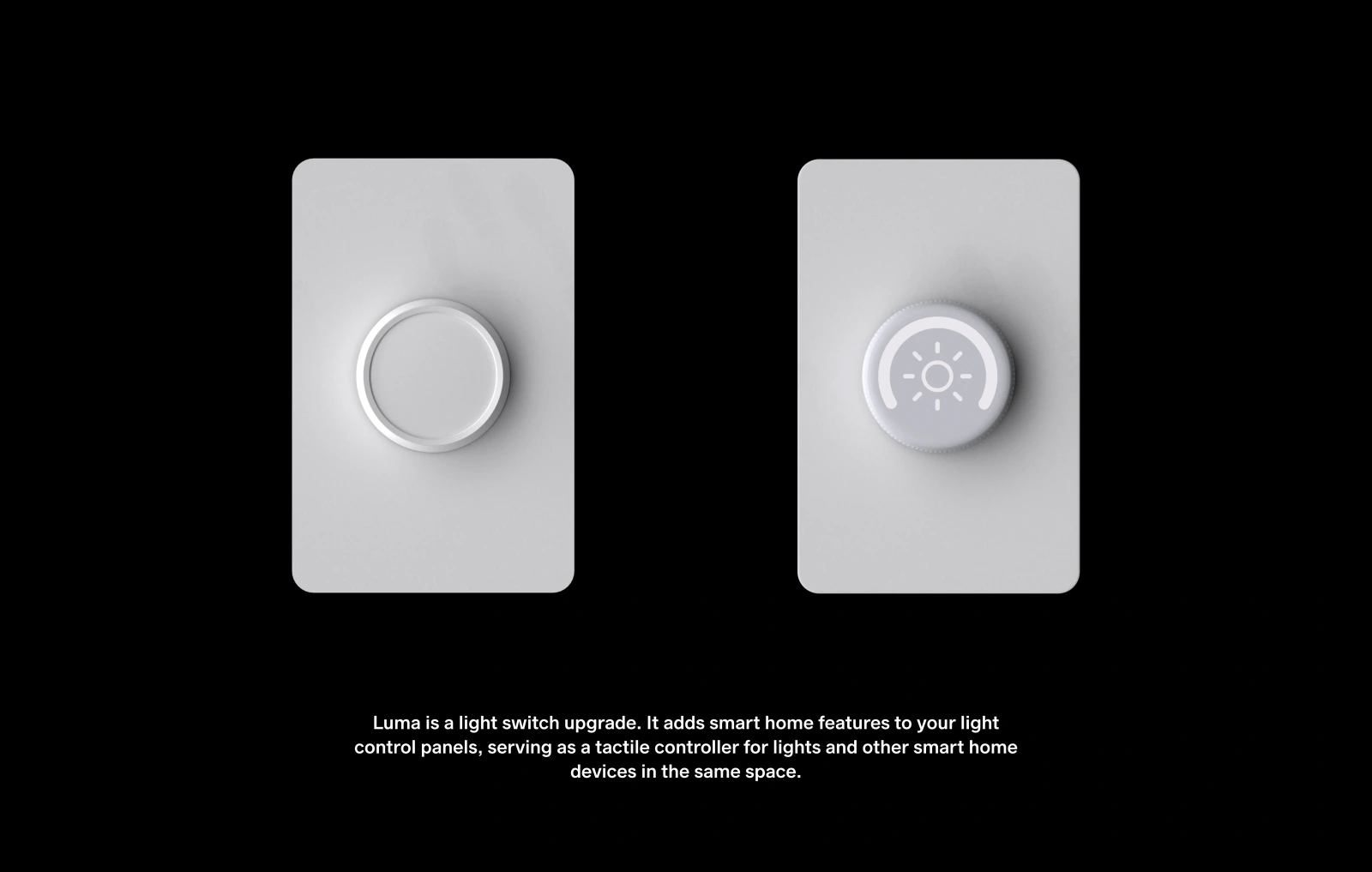
Two white Luma wall controls, one blank and one displaying a light icon. Panel text: Luma is a light switch upgrade. It adds smart home features to your light control panels, serving as a tactile controller for lights and other smart home devices in the same space.
Luma is a light switch upgrade. It adds smart home features to your light control panels, serving as a tactile controller for lights and other smart home devices in the same space.

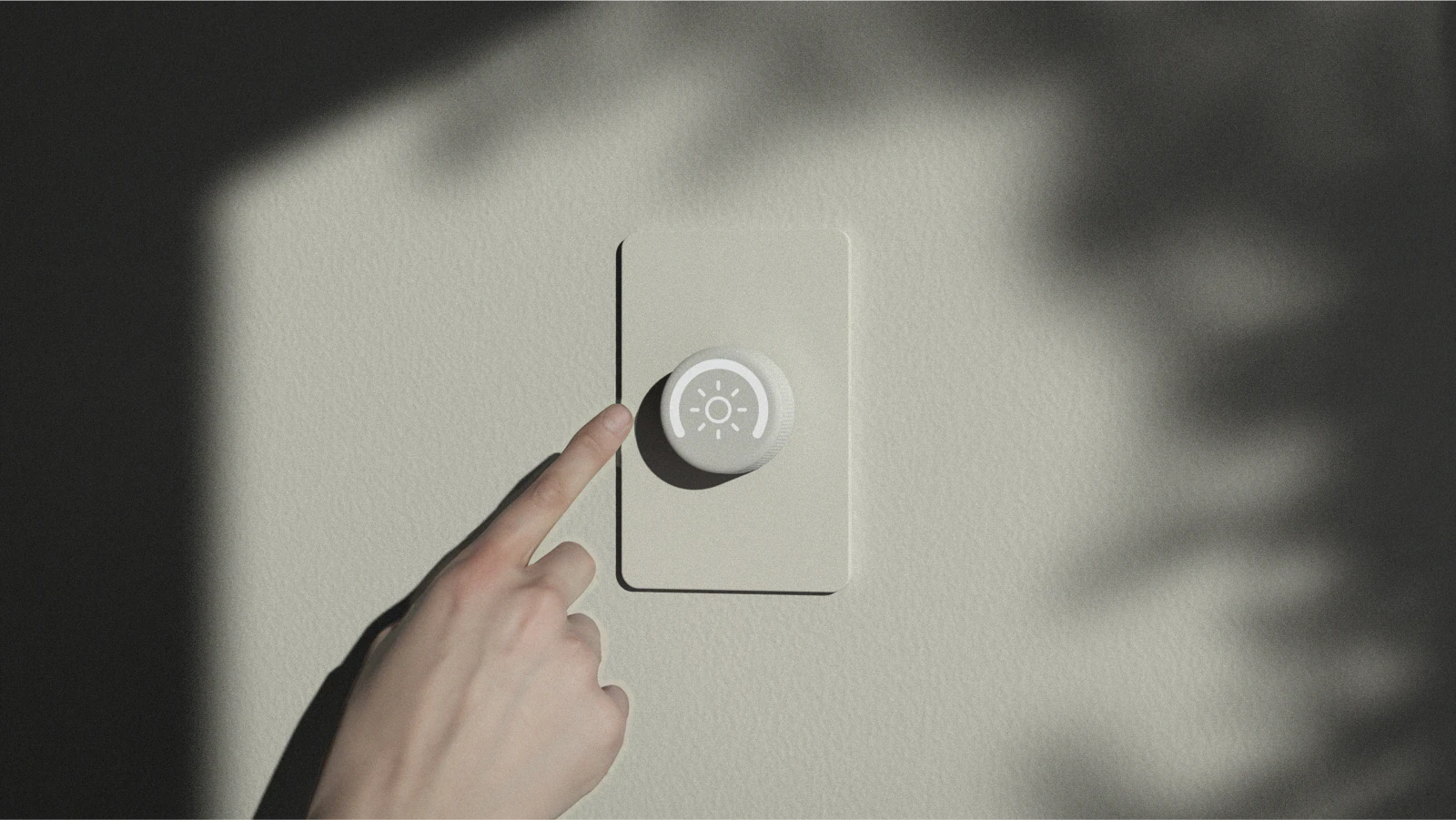
A hand touching the face of a Luma dial on a sunlit wall.
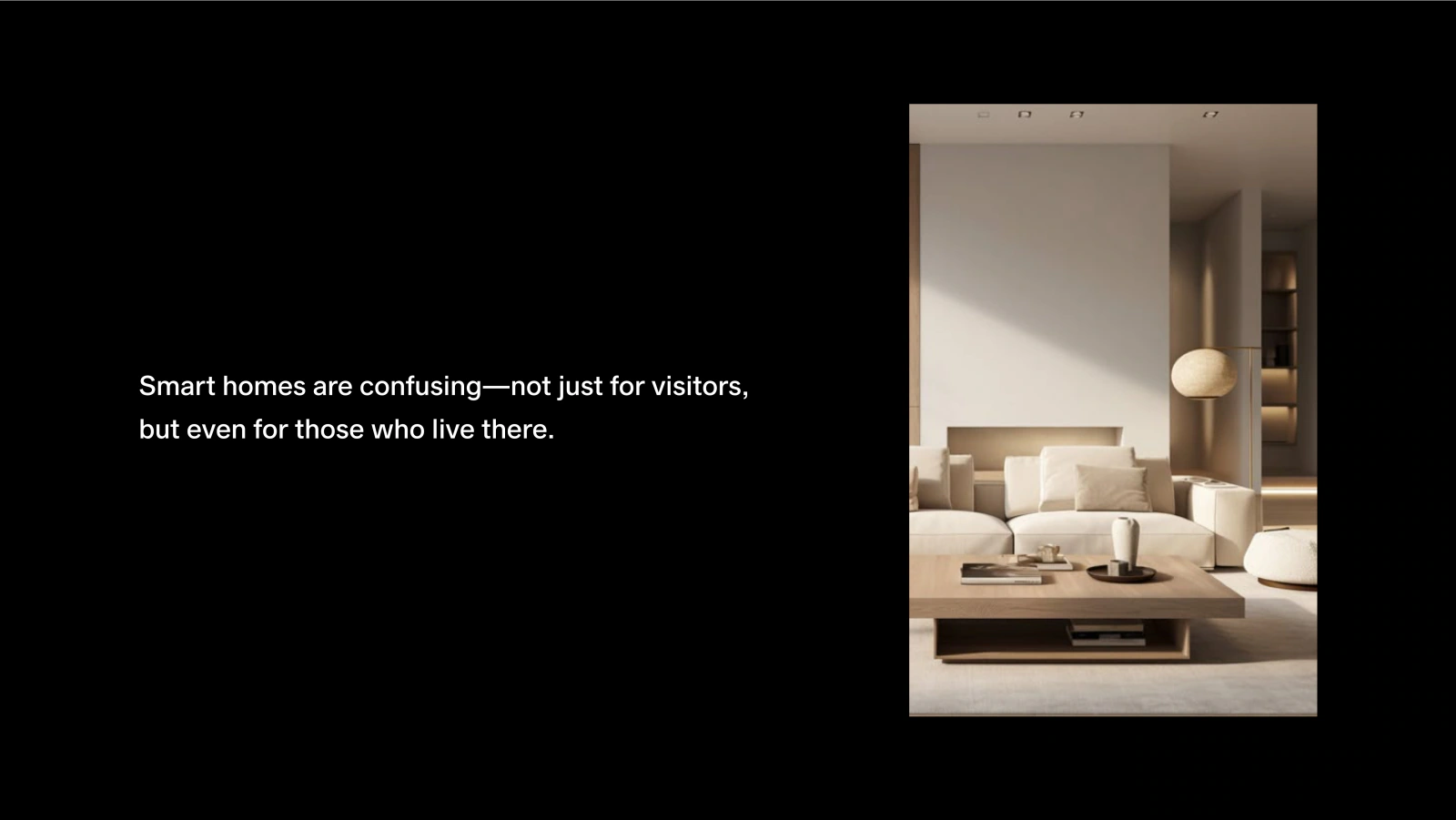
A living room photograph beside a statement about confusing smart homes. Panel text: Smart homes are confusing—not just for visitors, but even for those who live there.
Smart homes are confusing—not just for visitors, but even for those who live there.

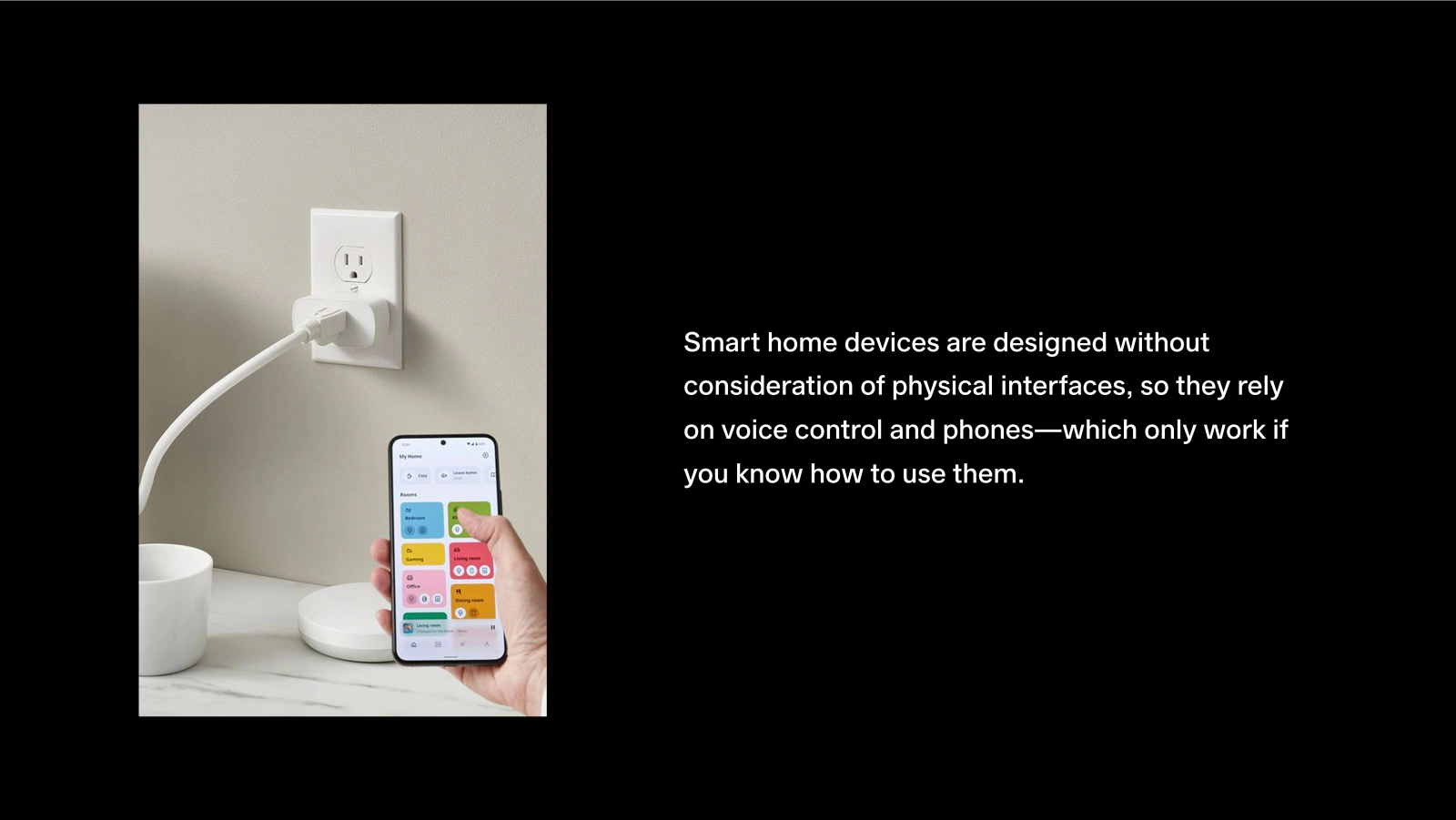
A wall outlet and phone-controlled lighting beside a caption about physical interfaces. Panel text: Smart home devices are designed without consideration of physical interfaces, so they rely on voice control and phones—which only work if you know how to use them.
Smart home devices are designed without consideration of physical interfaces, so they rely on voice control and phones—which only work if you know how to use them.

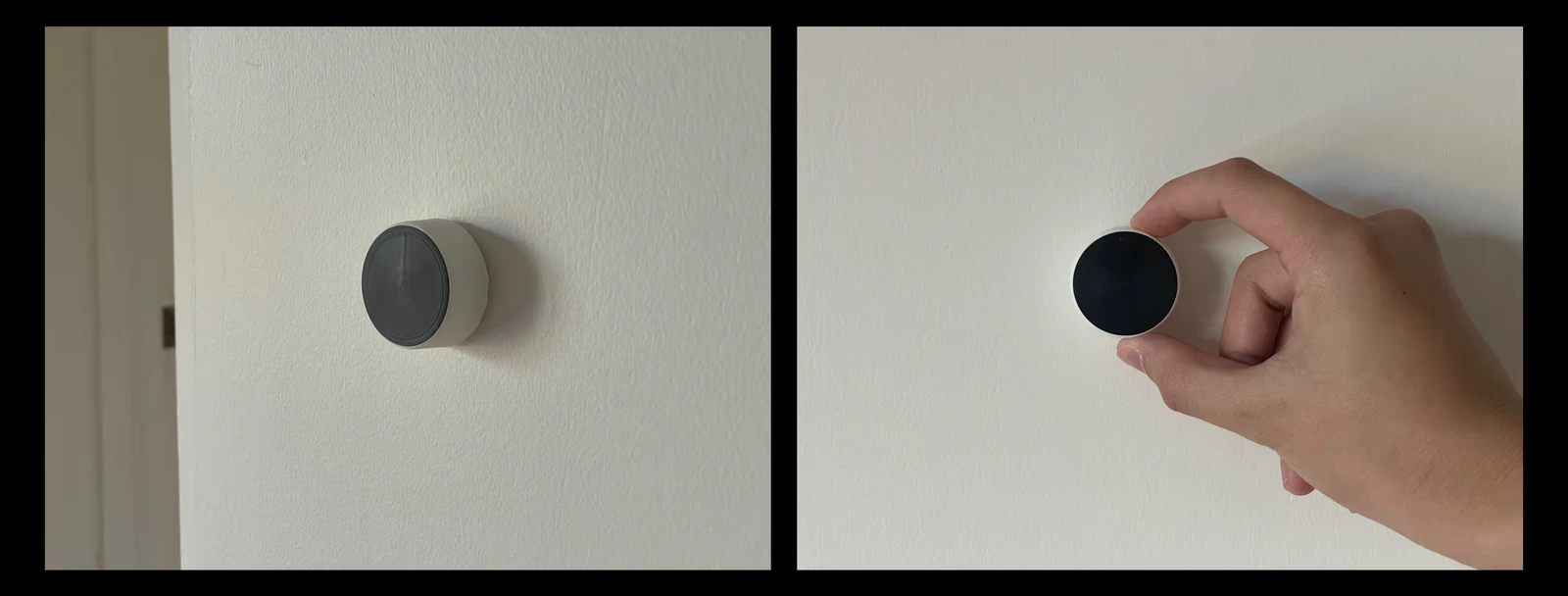
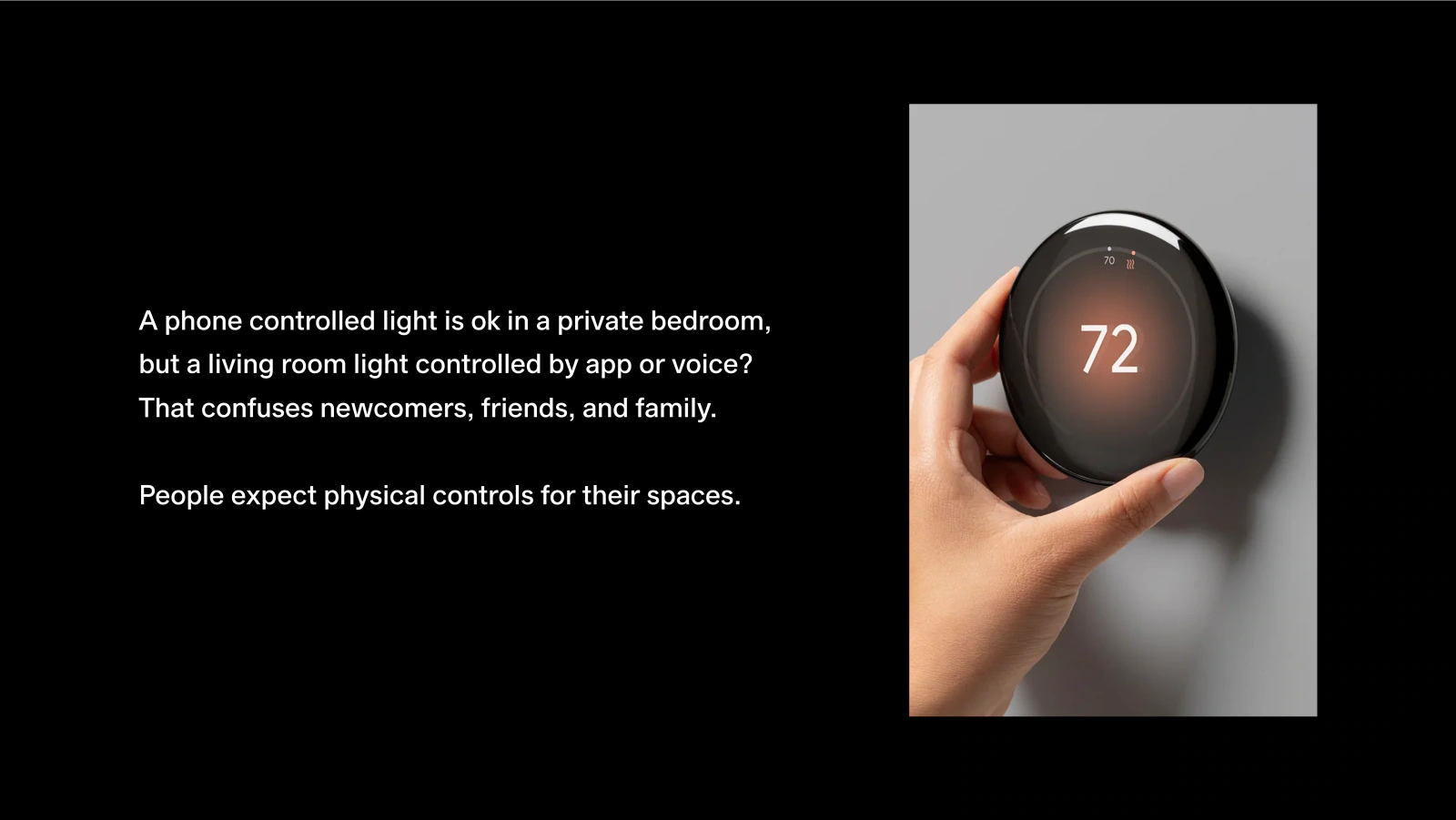
A hand adjusting a round thermostat displaying 72 beside a research caption. Panel text: A phone controlled light is ok in a private bedroom, but a living room light controlled by app or voice? That confuses newcomers, friends, and family. People expect physical controls for their spaces.
A phone controlled light is ok in a private bedroom, but a living room light controlled by app or voice? That confuses newcomers, friends, and family.

People expect physical controls for their spaces.

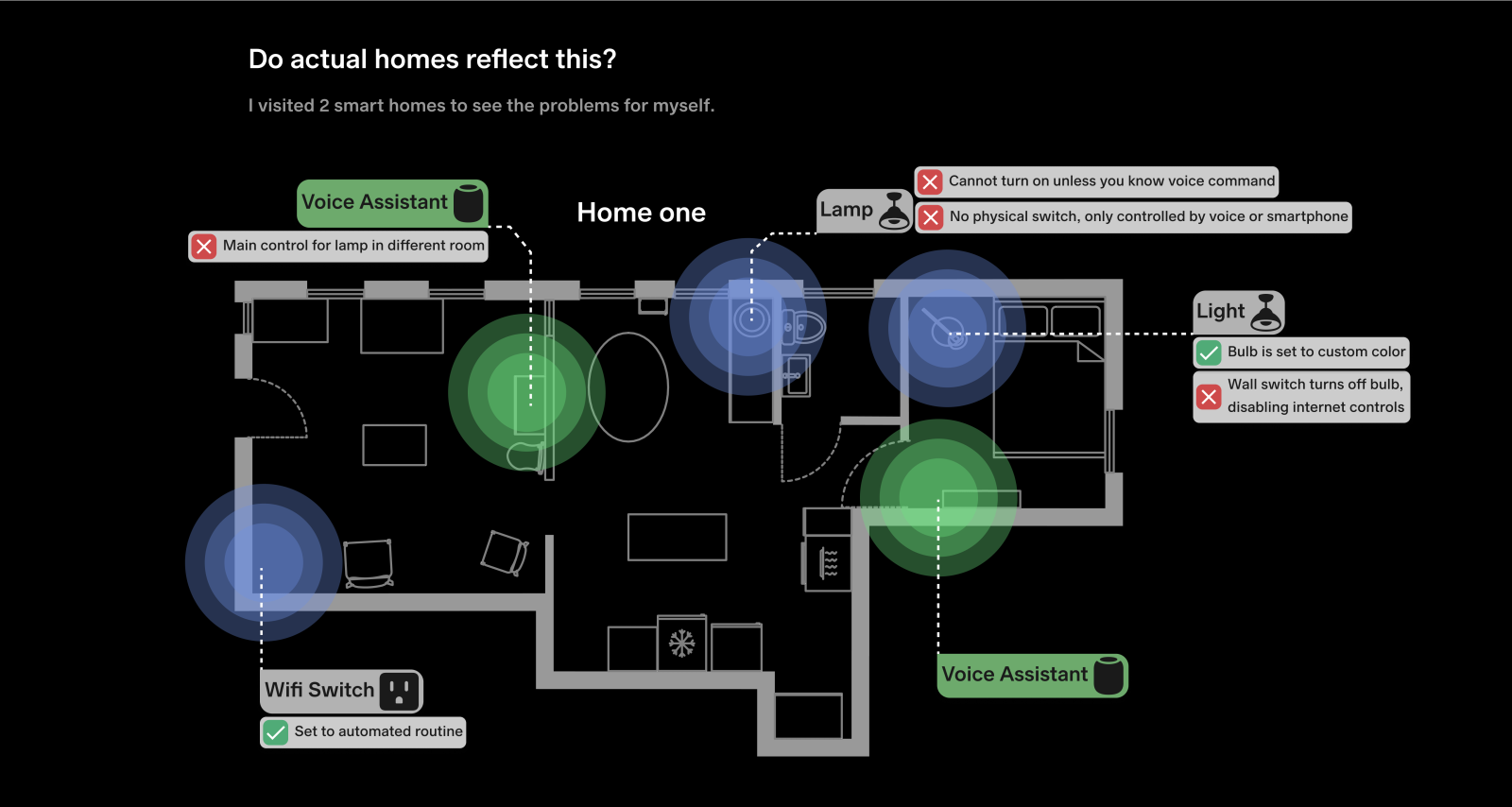
Annotated floor plan of Home one, showing lights, voice assistants and a WiFi switch. Panel text: Do actual homes reflect this? I visited 2 smart homes to see the problems for myself. Home one Voice Assistant: Main control for lamp in different room Lamp: Cannot turn on unless you know voice command Lamp: No physical switch, only controlled by voice or smartphone Light: Bulb is set to custom color Light: Wall switch turns off bulb, disabling internet controls Wifi Switch: Set to automated routine

Do actual homes reflect this?

I visited 2 smart homes to see the problems for myself.

Home one

  • Voice Assistant: Main control for lamp in different room
  • Lamp: Cannot turn on unless you know voice command
  • Lamp: No physical switch, only controlled by voice or smartphone
  • Light: Bulb is set to custom color
  • Light: Wall switch turns off bulb, disabling internet controls
  • Wifi Switch: Set to automated routine
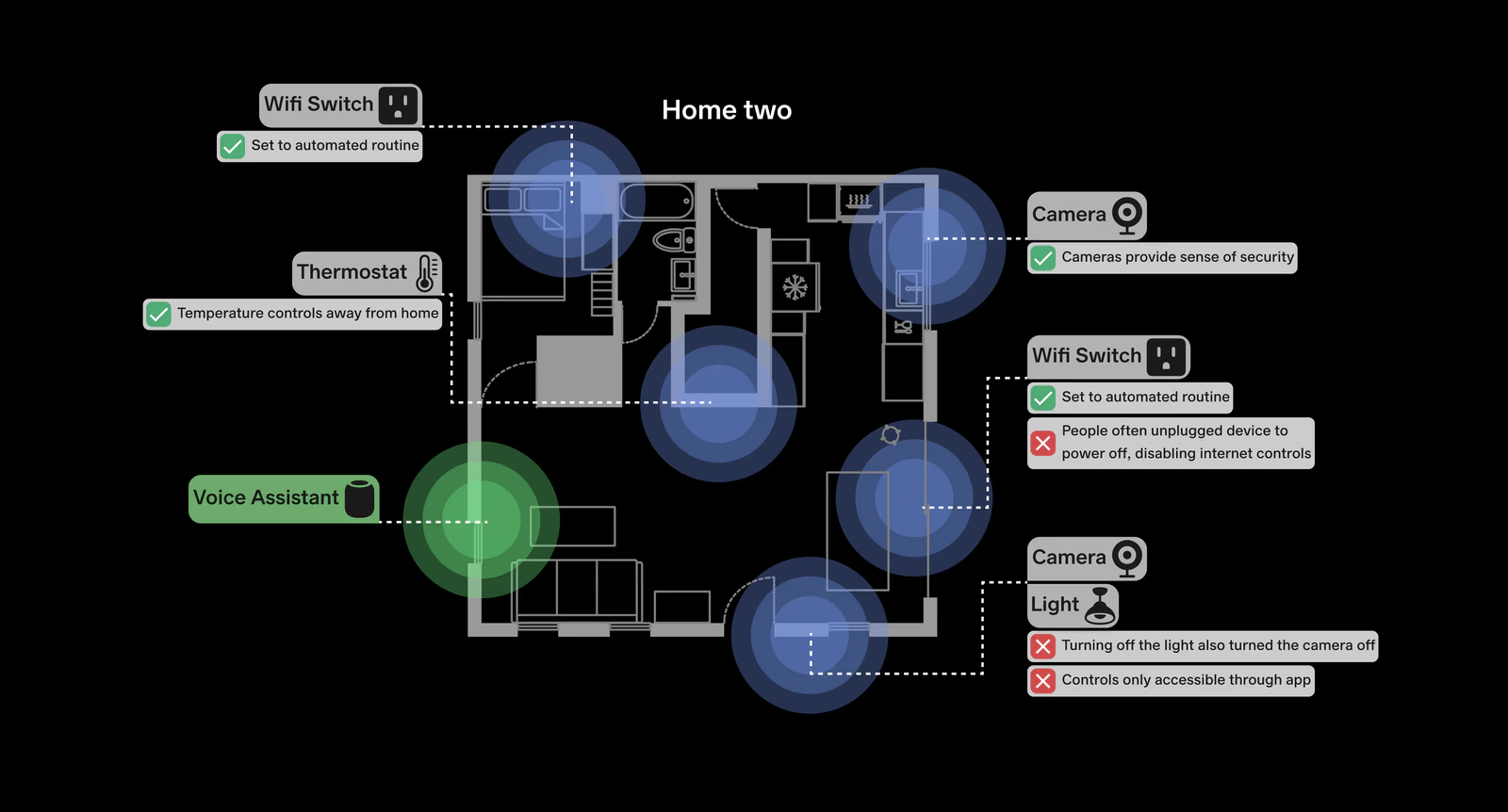
Annotated floor plan of Home two, showing cameras, lights, switches, thermostat and voice assistant. Panel text: Home two Wifi Switch: Set to automated routine Thermostat: Temperature controls away from home Camera: Cameras provide sense of security Wifi Switch: Set to automated routine Wifi Switch: People often unplugged device to power off, disabling internet controls Voice Assistant Light: Turning off the light also turned the camera off Camera: Controls only accessible through app
Home two

  • Wifi Switch: Set to automated routine
  • Thermostat: Temperature controls away from home
  • Camera: Cameras provide sense of security
  • Wifi Switch: Set to automated routine
  • Wifi Switch: People often unplugged device to power off, disabling internet controls
  • Voice Assistant
  • Light: Turning off the light also turned the camera off
  • Camera: Controls only accessible through app
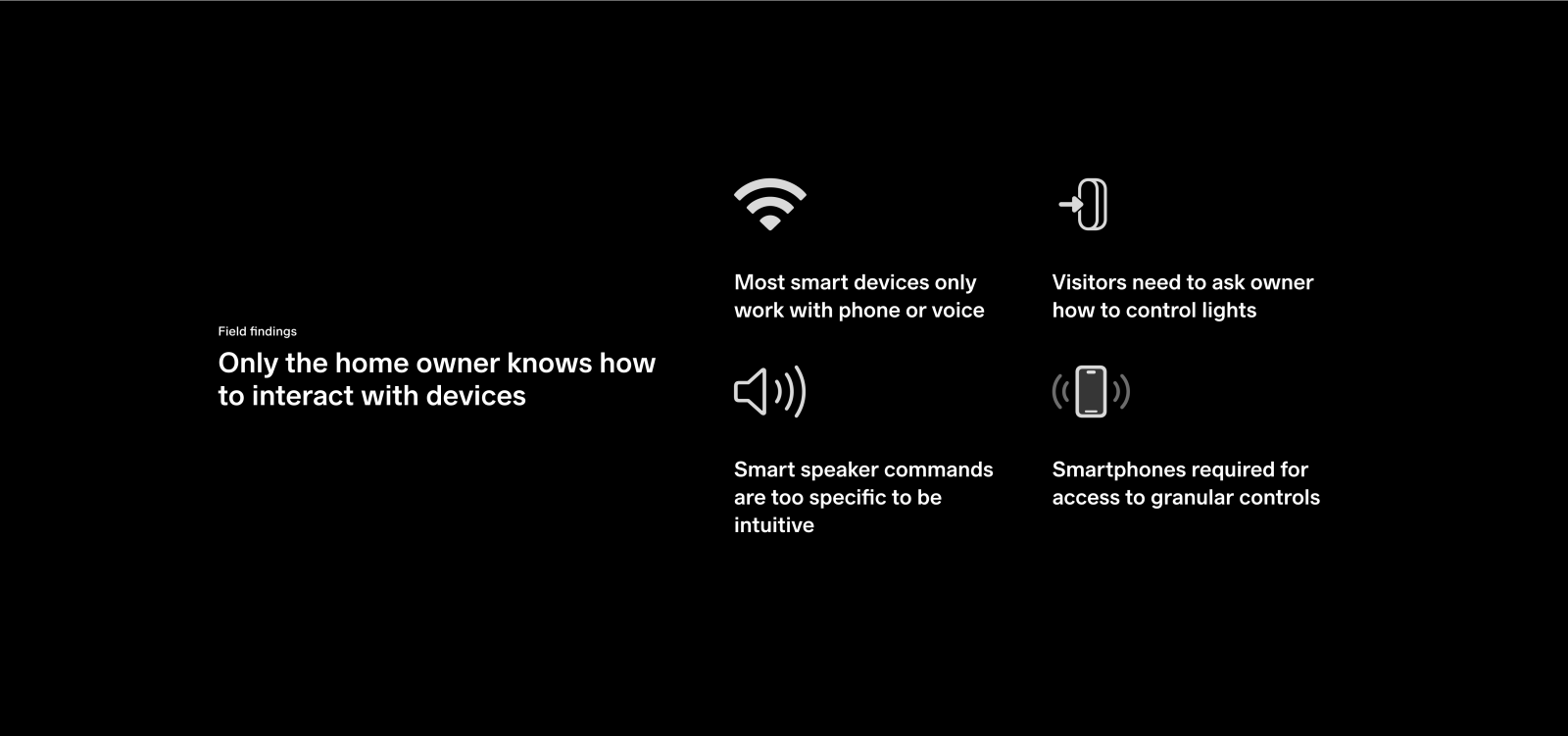
Field findings panel with four icons for phone and voice controls. Panel text: Field findings Only the home owner knows how to interact with devices Most smart devices only work with phone or voice Smart speaker commands are too specific to be intuitive Visitors need to ask owner how to control lights Smartphones required for access to granular controls
Field findings

Only the home owner knows how to interact with devices

  • Most smart devices only work with phone or voice
  • Smart speaker commands are too specific to be intuitive
  • Visitors need to ask owner how to control lights
  • Smartphones required for access to granular controls
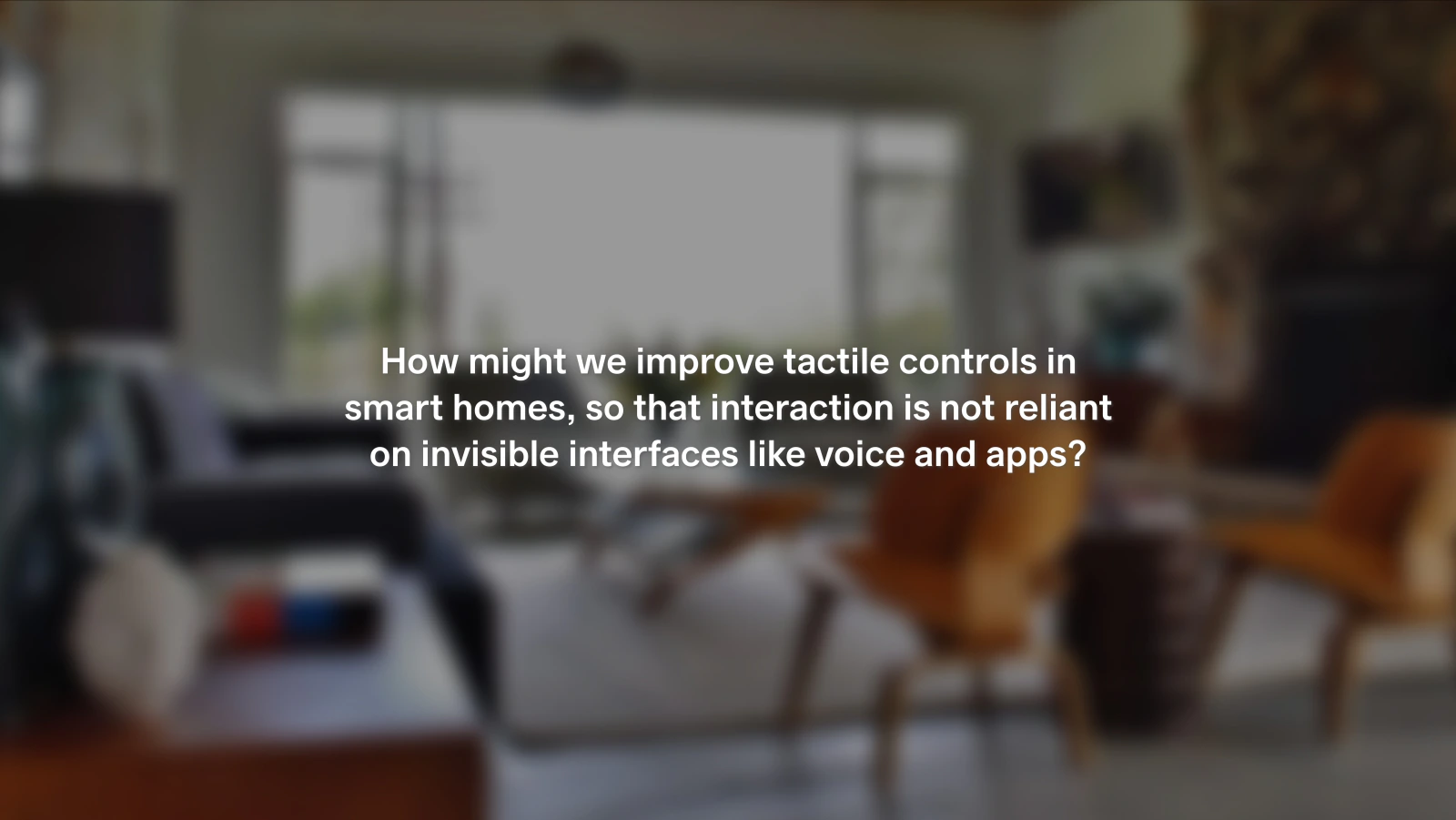
A blurred home interior behind the Luma design question. Panel text: How might we improve tactile controls in smart homes, so that interaction is not reliant on invisible interfaces like voice and apps?
How might we improve tactile controls in smart homes, so that interaction is not reliant on invisible interfaces like voice and apps?

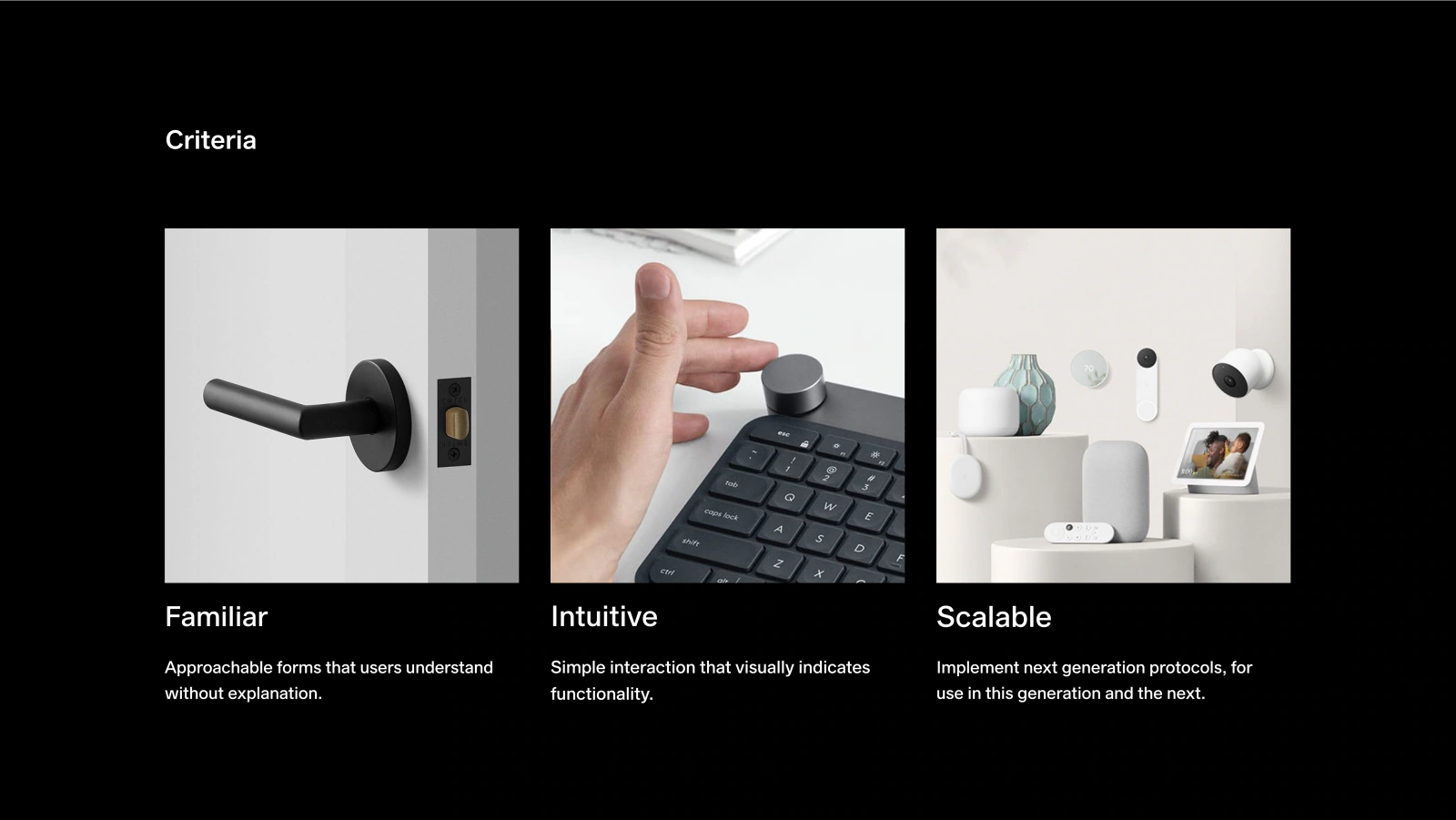
Design criteria with photographs of a door handle, dial controller and connected-home objects. Panel text: Criteria Familiar Approachable forms that users understand without explanation. Intuitive Simple interaction that visually indicates functionality. Scalable Implement next generation protocols, for use in this generation and the next.

Criteria

Familiar

Approachable forms that users understand without explanation.

Intuitive

Simple interaction that visually indicates functionality.

Scalable

Implement next generation protocols, for use in this generation and the next.
Rows of white dial and wall-plate form studies in a clay render.
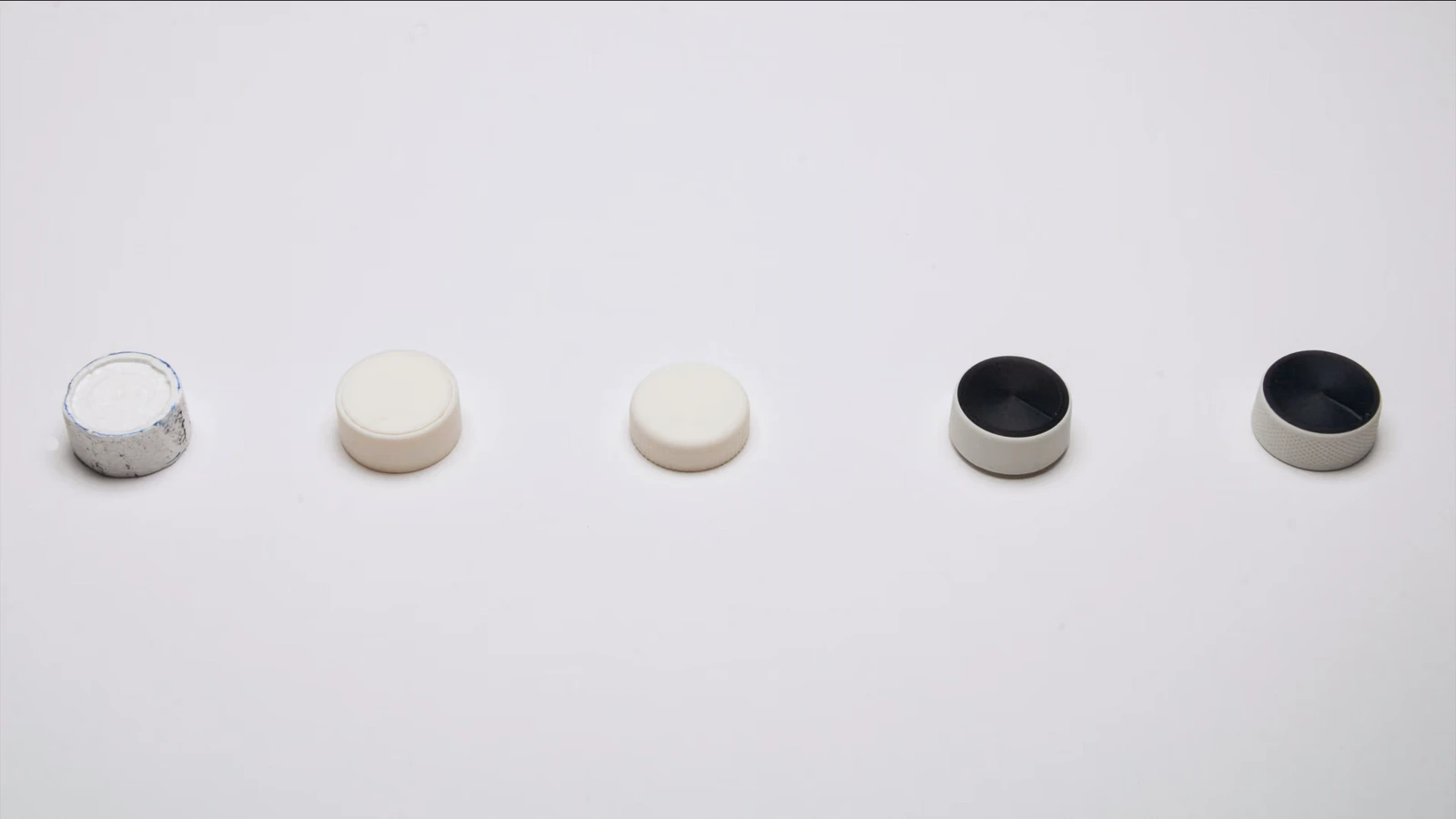
Five physical round control prototypes arranged in a row.
A mounted dial prototype and a hand holding its removable face.
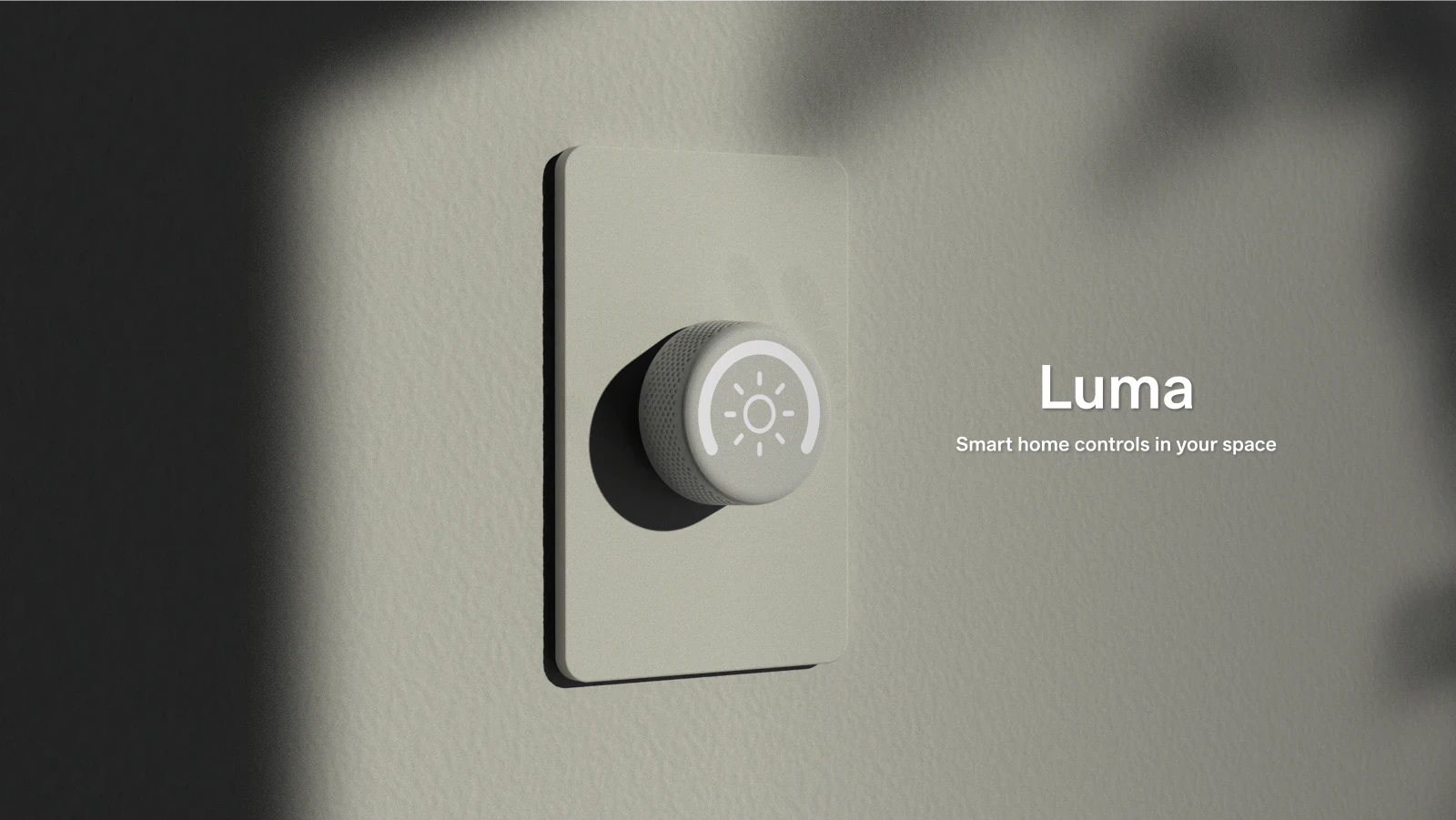
A Luma wall dial in sunlight beside the project name and caption. Panel text: Luma Smart home controls in your space
Luma

Smart home controls in your space

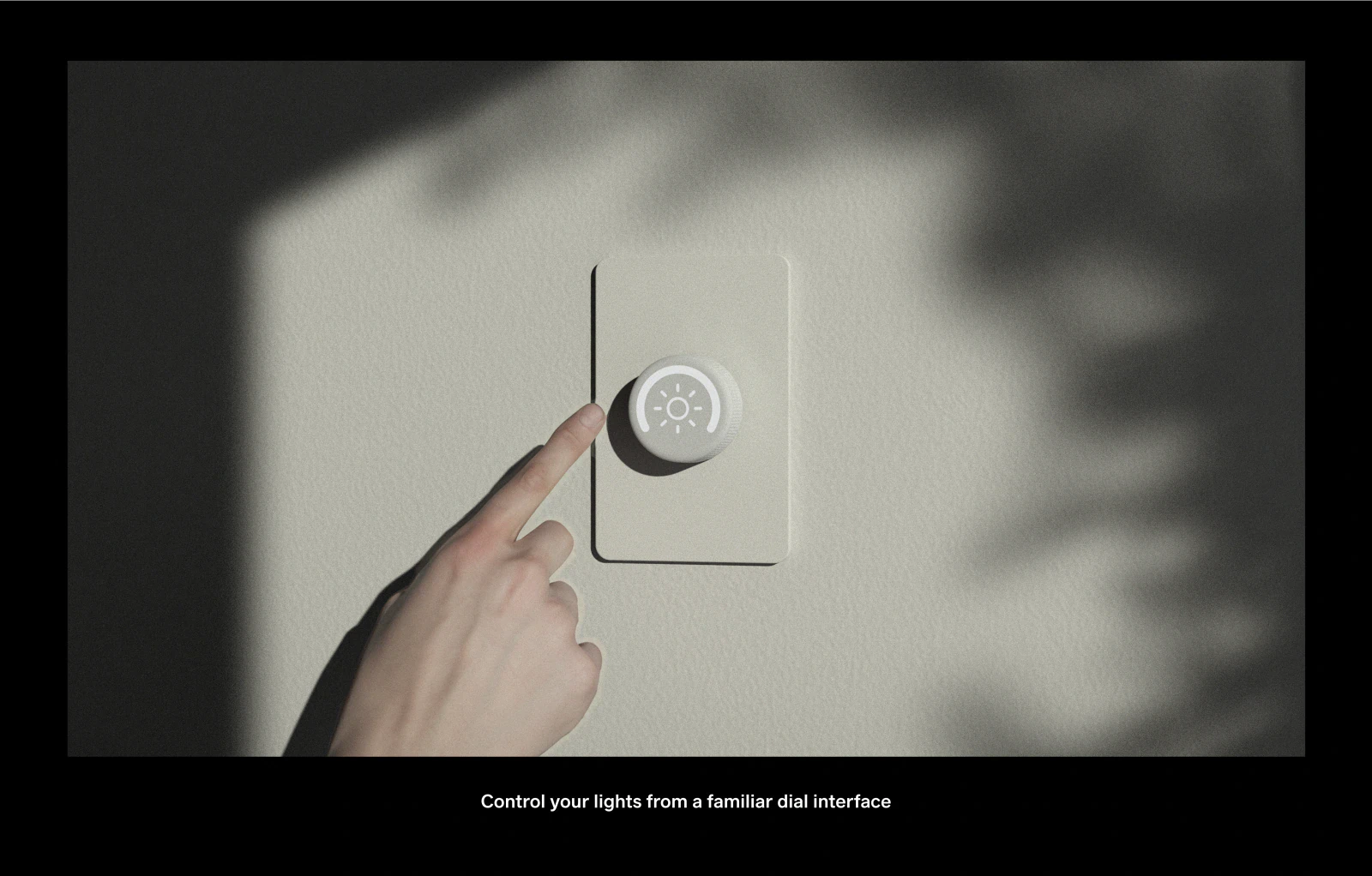
A finger touching a wall-mounted Luma dial. Panel text: Control your lights from a familiar dial interface
Control your lights from a familiar dial interface

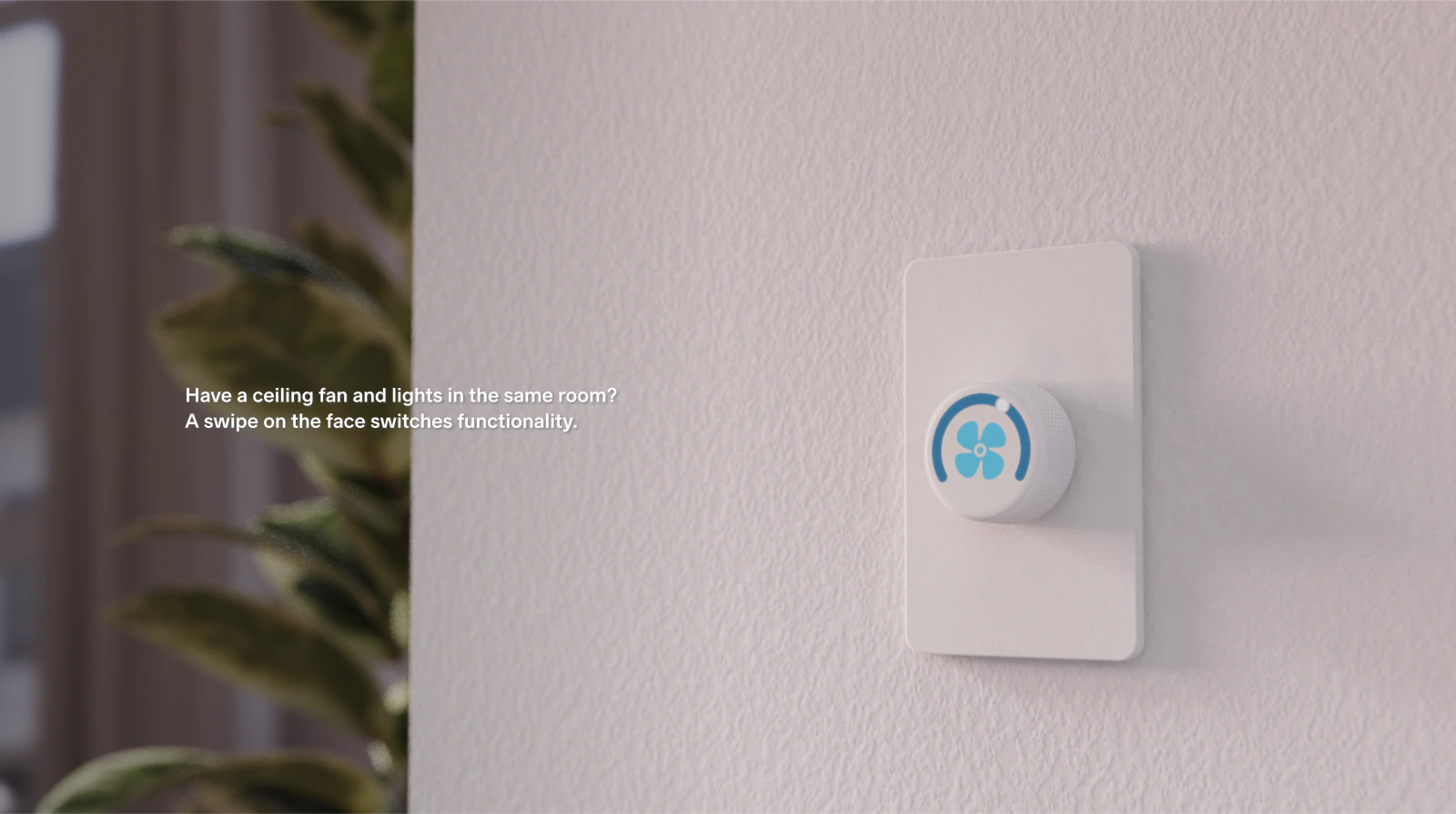
A wall-mounted Luma dial showing a blue fan icon. Panel text: Have a ceiling fan and lights in the same room? A swipe on the face switches functionality.

Have a ceiling fan and lights in the same room? A swipe on the face switches functionality.

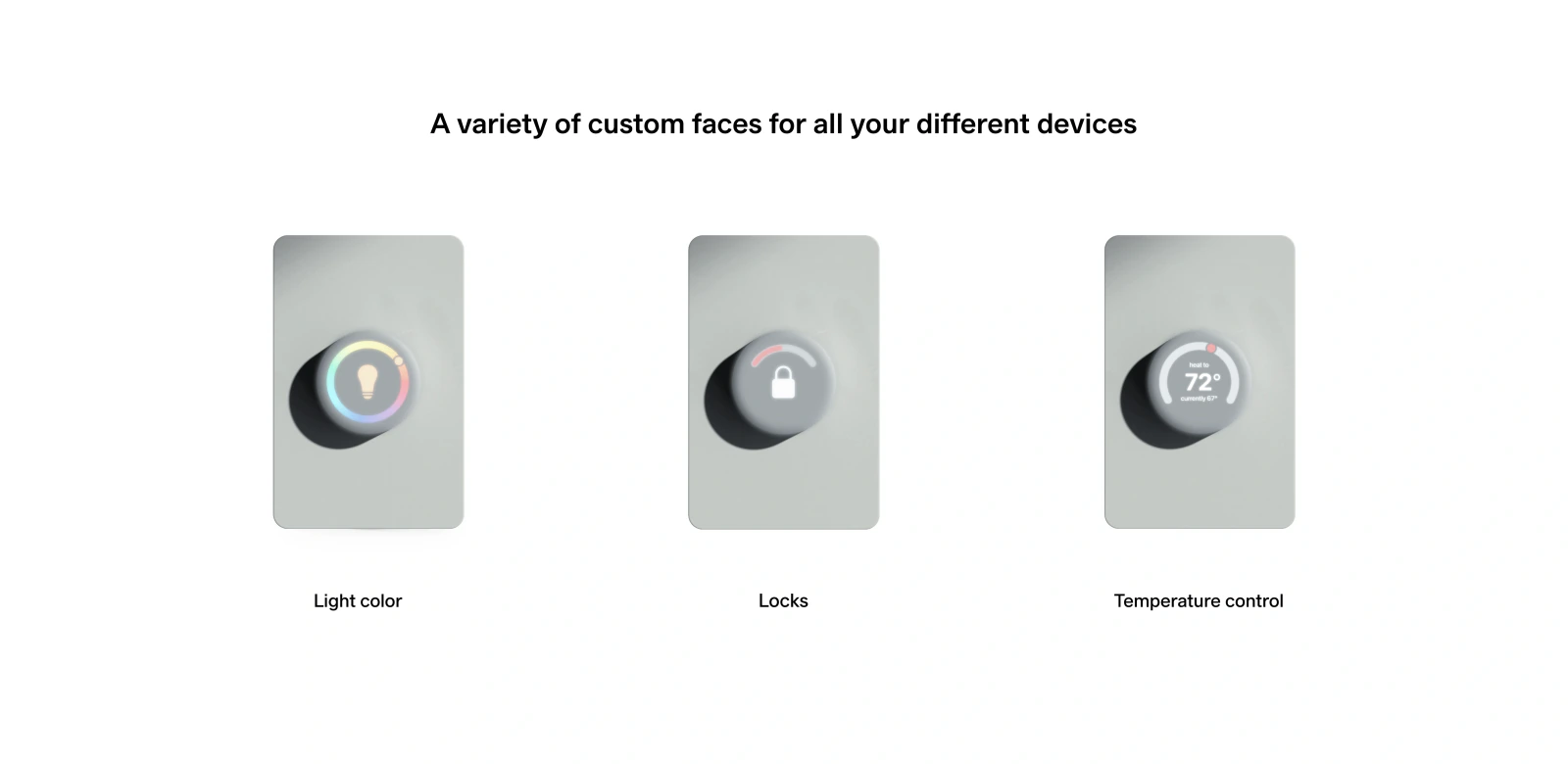
Three Luma face examples for light colour, locks and temperature. Panel text: A variety of custom faces for all your different devices Light color Locks Temperature control

A variety of custom faces for all your different devices

  • Light color
  • Locks
  • Temperature control
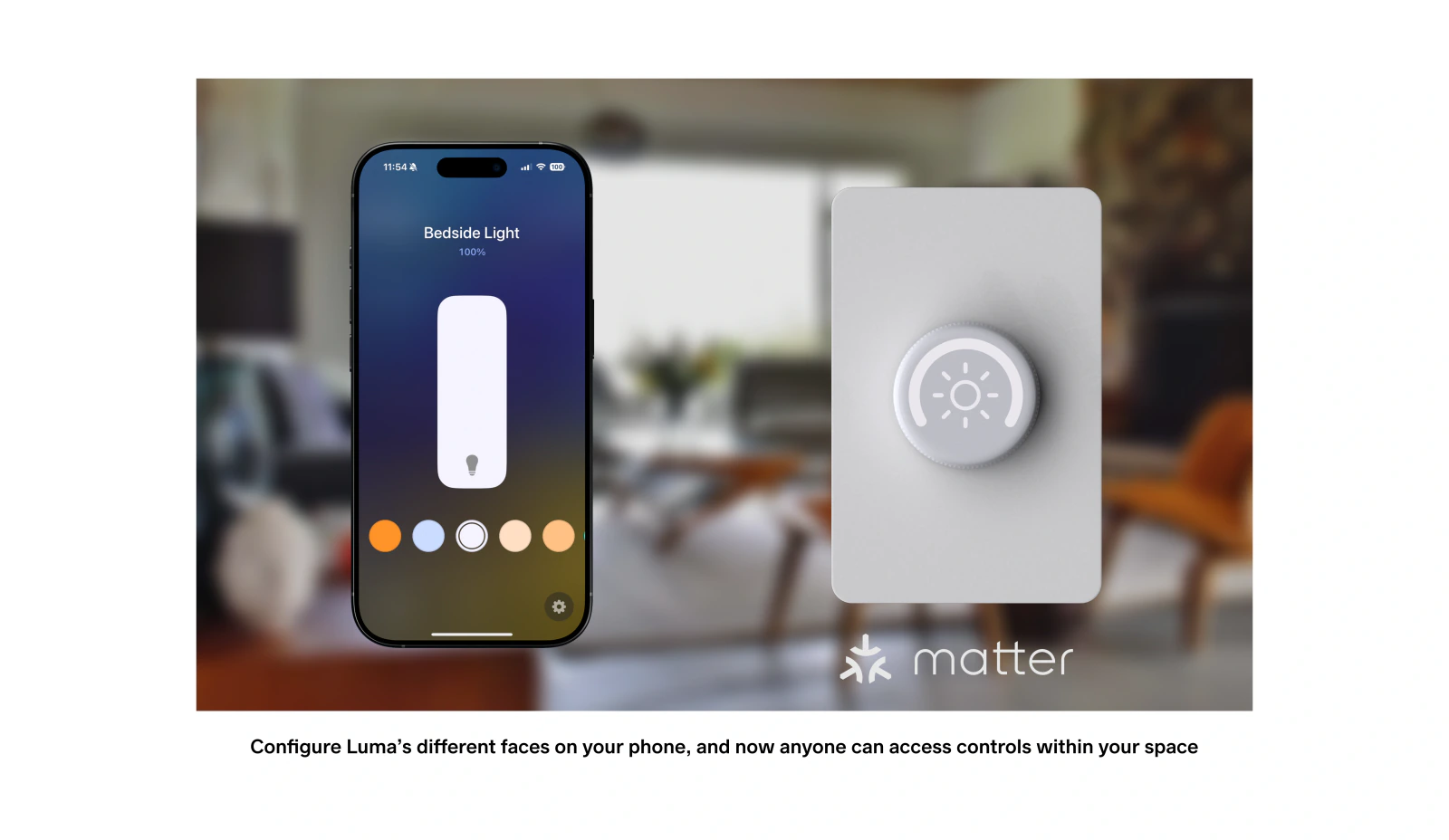
Phone lighting controls beside a Luma wall dial with a Matter mark below. Panel text: Configure Luma's different faces on your phone, and now anyone can access controls within your space
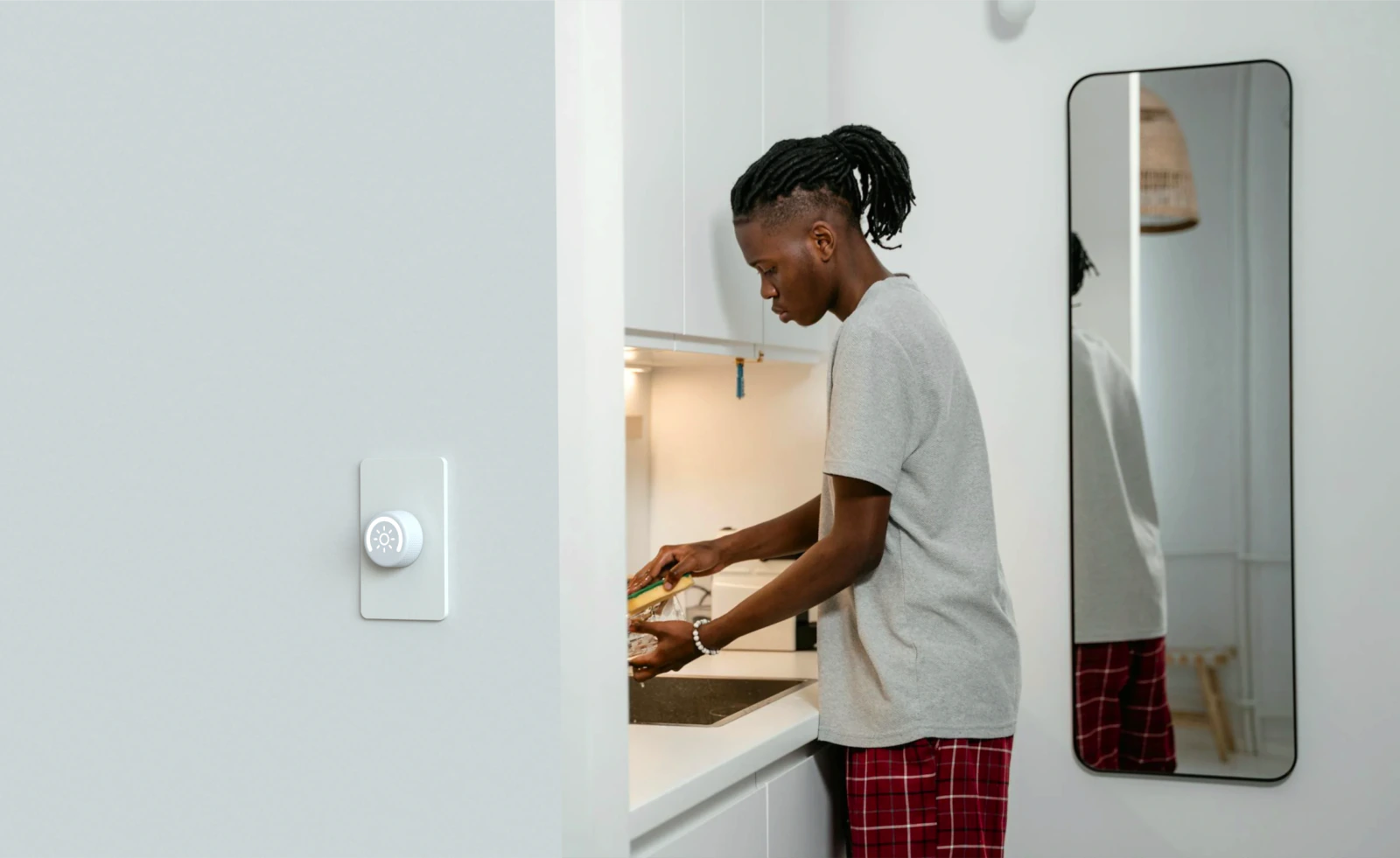
Configure Luma's different faces on your phone, and now anyone can access controls within your space

A person at a kitchen counter with a Luma control on the adjacent wall.